
Online Utility Tools – PDF, Image, Text & File Tools
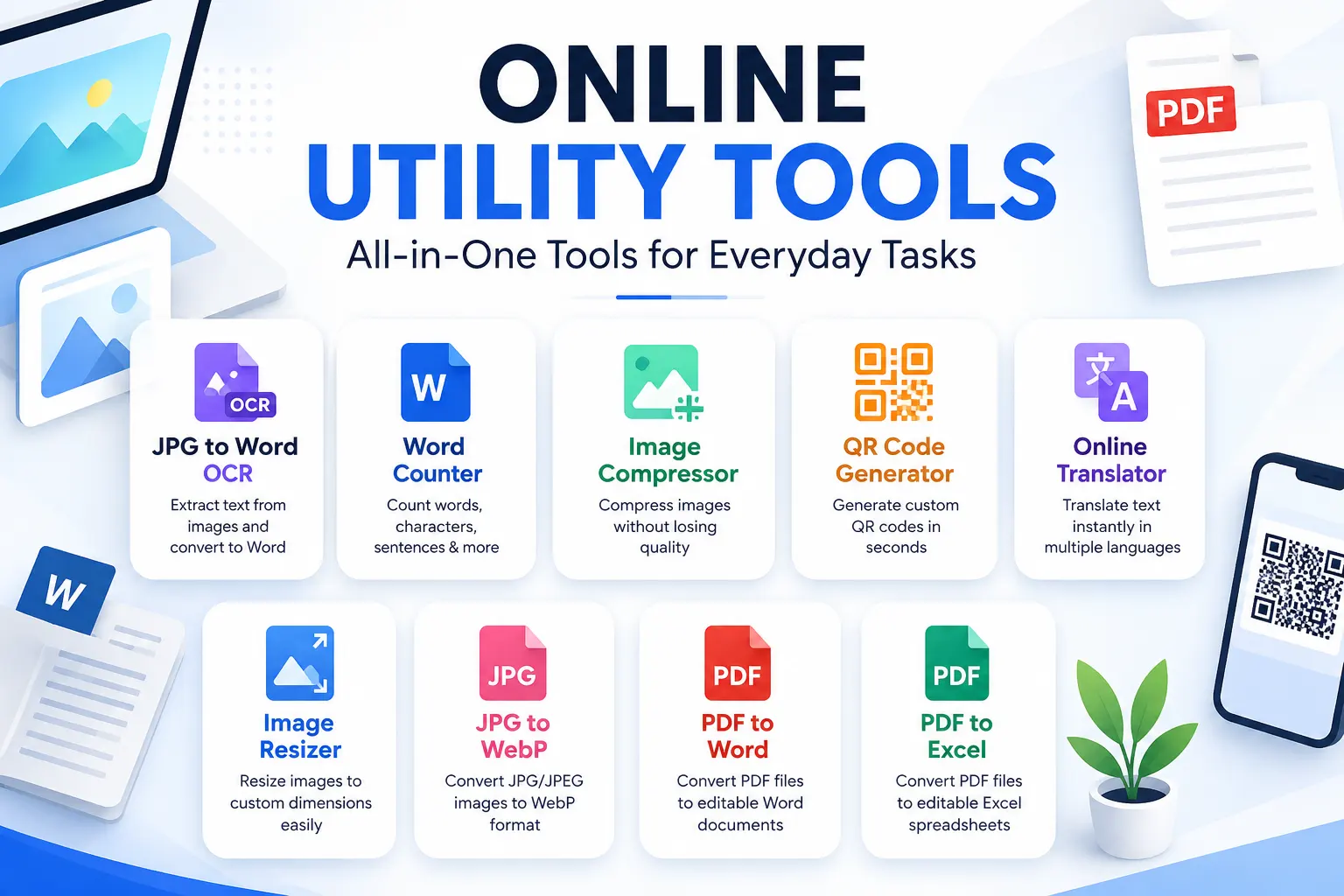
Online Utility Tools help you complete common digital tasks quickly without installing additional software. This collection brings together useful tools for working with images, PDFs, Word documents, text and other everyday files. You can convert JPG images to WebP, resize or compress images, extract text using OCR, count words, generate QR codes, translate text and perform other useful tasks from your browser. Many of these tools process files locally on your device, which can reduce unnecessary server uploads and storage. Whether you are a student, content creator, blogger, business owner or everyday internet user, these online utilities can simplify routine file and content tasks.
PDF to Word Converter
Convert PDF files into editable DOCX documents in your browser.
Select PDF files
Drag & drop PDFs here or choose files from your device
Up to 10 files · 50 MB per fileText-based PDFs work best. Scanned/image-only PDFs require OCR. Complex tables, columns and graphics may need manual cleanup.
Word to PDF Converter
Convert Word documents to PDF quickly and securely in your browser.
Select Word files
Drag & drop DOCX files here or click to browse
Up to 10 files · 20 MB per fileFiles are processed in your browser. This tool is intended for normal DOCX documents. Complex Word layouts, tracked changes and some advanced elements may not reproduce exactly.
PDF to Excel Converter
Extract text and table-like data from a PDF into an editable Excel workbook. Processing happens in your browser.
Privacy-friendly: the selected PDF is processed in your browser and is not uploaded to this website.
Best results are expected for PDFs with selectable text and clear table-like spacing. Scanned PDFs need OCR.
JPG to PDF Converter
Convert JPG, JPEG or PNG images into a downloadable PDF. Processing happens in your browser.
Your images are processed locally in your browser and are not uploaded to this website.
JPG to Word OCR Converter
Convert scanned document images into clean, editable Word text.
Privacy-friendly: images are processed in your browser and are not uploaded to this website.
Best results: straight, clear, high-resolution document scans with dark text on a light background. Complex posters and decorative graphics may reduce OCR accuracy.
Word Counter
Count words, characters, sentences, paragraphs and reading time instantly.
Keyword Density
Your text is processed locally in your browser and is not uploaded to this website.
Image Compressor
Compress JPG, PNG and WebP images directly in your browser.
Images are processed locally in your browser. They are not uploaded to this website.
QR Code Generator
Create a QR code for a URL, text, phone number, email or Wi-Fi network.
QR codes are generated in your browser. Your entered information is not uploaded to this website.
Online Translator
Translate text between popular languages quickly and easily.
Translation is processed through the translation service. Avoid entering passwords, confidential information or sensitive personal data.
Free mode may be subject to the translation provider's usage limits.
Image Resizer
Resize JPG, PNG and WebP images to exact dimensions directly in your browser.
Images are processed locally in your browser and are not uploaded to this website.
JPG to WebP Converter
Convert JPG and JPEG images to lightweight WebP files directly in your browser.
Your JPG images are processed locally in your browser. They are not uploaded or stored on this website.
1. Privacy & Security
We design these online utility tools with privacy in mind. Where a tool supports browser-based processing, files and text are processed directly on your device rather than being uploaded to our server. This can help reduce unnecessary file storage and server-side processing. However, some tools, such as online translation services, may require information to be sent to a third-party service to complete the requested function. Users should avoid entering passwords, confidential documents, financial information, or other sensitive data into tools that use external services. Always review the relevant tool’s instructions before processing private information.
2. Frequently Asked Questions (FAQ)
Are these online utility tools free to use?
Many of the tools on this page are designed to be available for free. Individual tools may have their own usage or file-size limitations.
Are my uploaded files stored on the server?
Browser-based tools process files locally whenever possible, so the files do not need to be uploaded or stored on the website server.
Can I use these tools on a mobile phone?
Yes. The tools are designed to work on modern smartphones, tablets, laptops and desktop computers.
Do I need to install software?
No. These tools are designed to work directly in a web browser without requiring additional software.
Is an API required?
Most browser-based tools do not require a paid API. Some services, such as translation, may use an external service to perform the requested operation.
Can I use these tools for business purposes?
Yes, for normal non-sensitive tasks. However, always check the individual tool’s limitations and avoid submitting confidential business information to third-party services.
Do the tools work with large files?
File-size limits vary by tool. The supported file types and maximum sizes are displayed within each individual tool.
Are the converted files editable?
It depends on the tool. For example, OCR tools can extract text into editable formats, while image conversion tools generally produce a new image file.
Which browsers are supported?
The tools work best with modern versions of Chrome, Edge, Firefox and Safari. Some advanced browser features may not be available in older browsers.
Can I use the tools without creating an account?
Where supported, the tools are designed to work without requiring registration or an account.
Disclaimer
The online utility tools provided on this website are intended for general informational and practical purposes. While we aim to make each tool useful, accurate and easy to use, results may vary depending on the file type, size, quality, browser, device and third-party services involved. We do not guarantee that every conversion, translation, OCR result or calculation will be completely accurate.
Users should review important or sensitive results before using them for professional, business, legal, financial or other critical purposes. Do not upload or enter passwords, confidential documents, financial information or other sensitive personal information into tools that use external services. Third-party services may have their own terms, privacy policies and usage limits.
We are not responsible for data loss, file corruption, inaccurate translations, OCR errors, conversion issues or problems caused by unsupported file formats, browser limitations or third-party services. By using these tools, you acknowledge and accept these limitations.
Conclusion
Our collection of online utility tools is designed to make everyday digital tasks faster and easier. From image compression, resizing and JPG-to-WebP conversion to OCR, PDF and document tools, word counting, translation and QR code generation, these utilities provide convenient solutions directly from your browser.
Whenever possible, browser-based processing helps reduce unnecessary file uploads and server storage. For tools that rely on external services, users should follow the relevant usage and privacy guidance.
Whether you are a student, blogger, content creator, business owner or everyday internet user, these tools can help simplify common digital tasks without requiring complicated software.